MégaNotes 1.0.4: mobile app, strengthened permissions, and five new languages
What this release brings
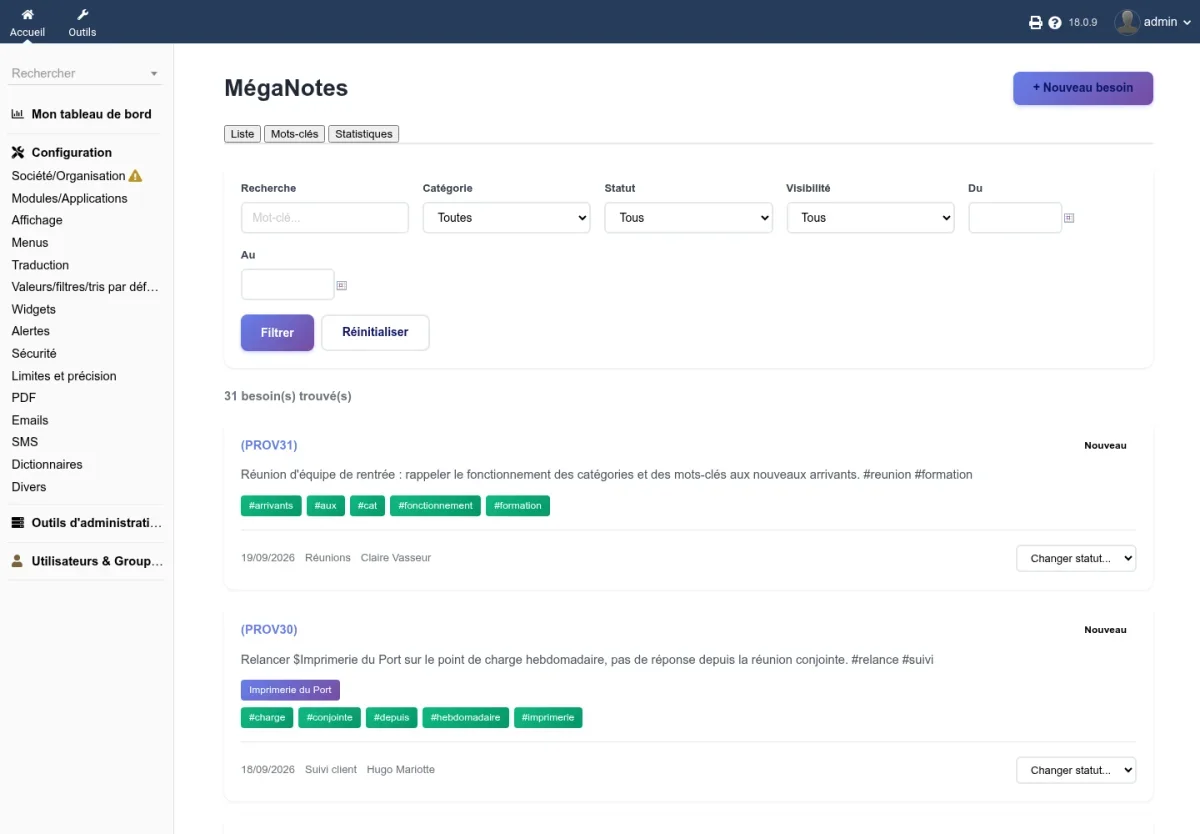
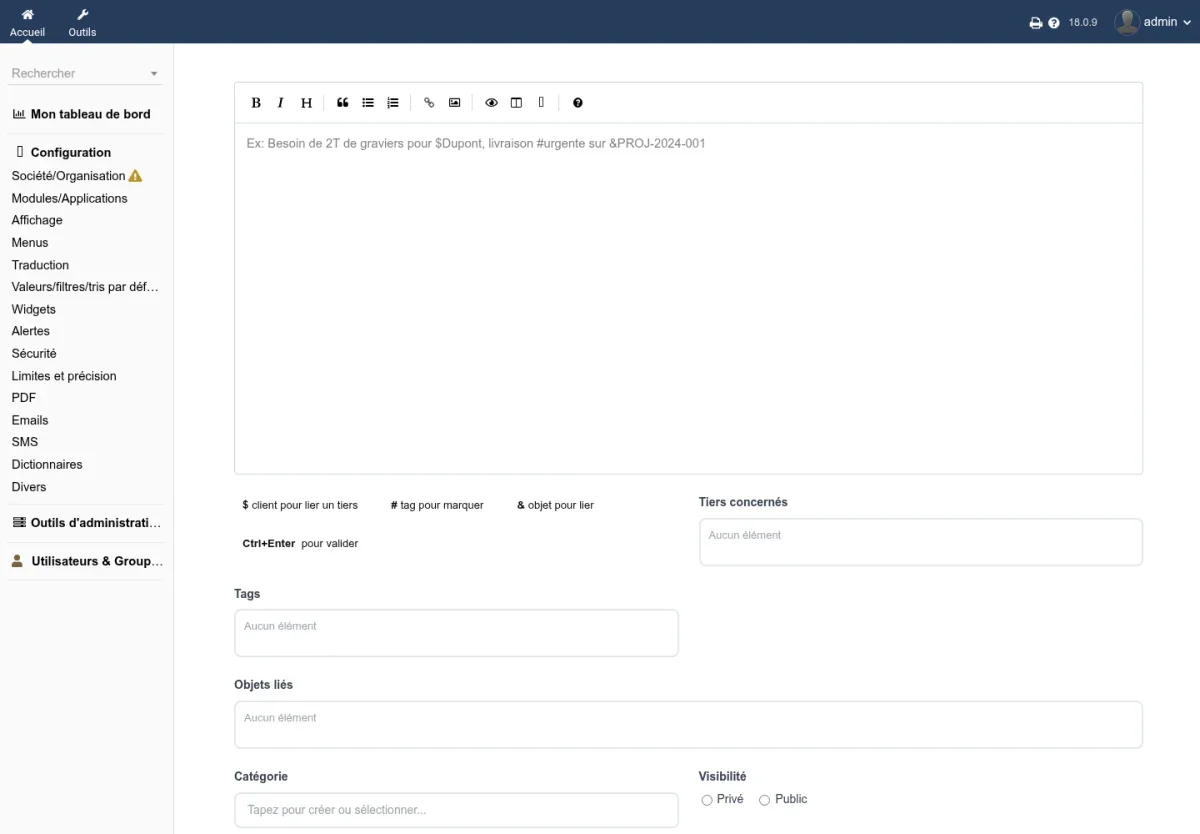
MégaNotes is used to jot down what you hear over the phone or in the field, and to immediately link it to third parties, projects, orders, or invoices. Quick-entry sigils create the link while typing: $ for a third party, # for a tag, & for a Dolibarr object.
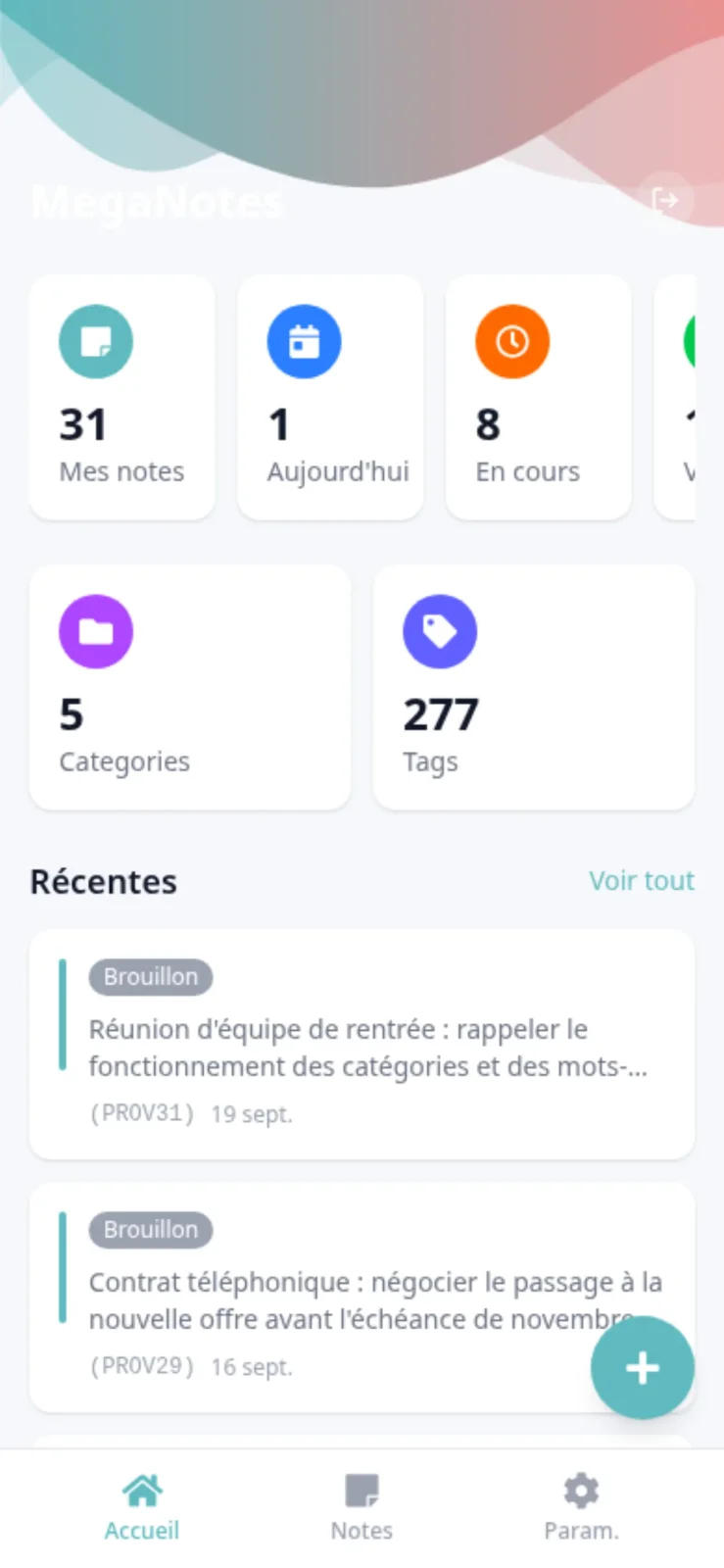
A mobile app
Notes can be viewed, searched, and created from your phone, with the same visibility rules as in the web interface. The app’s Settings tab lets you change the language, display the installed version, and log out.
Permissions applied everywhere
- The card of a note, the advanced list, and each tab require MégaNotes read permission.
- The home page, quick entry, and status changes follow read and write permissions.
- A private note is only visible to its author, on web pages as well as in the mobile app, including tag suggestions.
- Quick-entry suggestions only show records the user has permission to read.
- The mobile app applies the same permissions as the web interface.
A more complete card
- Validate and Return to draft buttons on a note’s card.
- Permanent reference in the format NOTE + year and month + counter, e.g., NOTE2610-0001.
- A cloned note keeps its third parties, linked objects, and keywords; an email sent from the card appears in its events.
- Additional fields tab in setup to add your own fields to notes.
More accurate keywords
- Tags manually selected in quick entry remain attached to the note when keywords are extracted from the text.
- Accented words (école, réunion) remain whole instead of being split.
- A
%or_typed in tag search is searched as-is.
Also
- Home page, filters, and statuses displayed in the user’s language.
- Module and mobile app translated into German, Spanish, Italian, Dutch, and Brazilian Portuguese.
- Demonstration at the scale of a fifty-employee company: around sixty customers, a dozen projects, and several hundred dated notes around the visit day.
- Demonstration data set reloadable without duplicates, with accounts on a reserved domain.
- A double-click or repeated Ctrl+Enter only saves the note once.
- The feedback sent from the About page comes from your Dolibarr’s address and reaches its destination.
- Activation refused with a clear message if a module table is missing.
- Document template preview in setup restored on Dolibarr 24.
Try it
Try MégaNotes on a Dolibarr installed in under 20 seconds, with demonstration notes already entered: dolitry.fr/meganotes
Compatibility
Dolibarr 18 and later, PHP 7.4 and later. The mobile app requires the SmartAuth module and a public HTTPS address whose root is the pwa folder of the module.
Documentation: doc.cap-rel.fr/meganotes
Άλλες γλώσσες: Deutsch, Español, Français, Italiano, Nederlands, Polski, Português