Capmail 2.0.4: security, rights and IMAP folders
Capmail 2.0.4 is a security and reliability release. It adds no new interface: it hardens every access path and fixes defects that kept the module from working with some hosting providers. It also carries the changes of 2.0.3, which was never released.
The update is recommended for every installation, and especially for those running Capmail across several entities or granting different rights on several mailboxes.
Security
A full review of access paths was carried out.
- Multi-entity isolation: messages, mailboxes, sender profiles and tags are now filtered by entity in the module itself, instead of relying on indirect filtering through the mailbox.
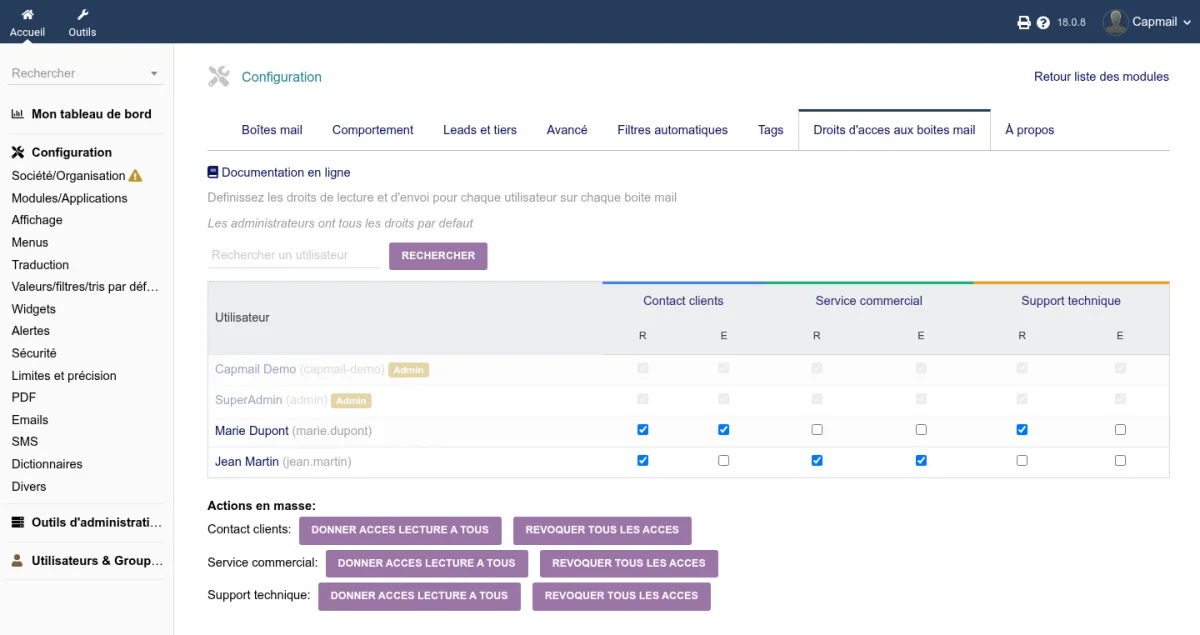
- Rights matrix enforced everywhere: per-user and per-mailbox rights are now checked on mass actions, on the Capmail tab of the thirdparty record, on identifiers posted by forms and on attachment downloads.
- Anti-CSRF token required on state-changing actions.
- Mail HTML is sanitised before it reaches the reply editor, the print view and the template pickers.
- Private templates and sender profiles are genuinely limited to their owner.
- Hardened handling of attachments, EML headers and subjects.
- The REST controller checks the entity, mailbox rights and privacy; internal endpoints are blocked and TLS certificates verified.
Accents are no longer lost
A subject containing accents lost its accented characters altogether. The subject was decoded twice, and the second pass dropped every non-ASCII character.
New messages are fixed. Messages already received keep the truncated subject stored at the time.
Sender detection was improved as well, in particular when the sender address belongs to the company's own mail domain.
IMAP folders: three cases that did not work
The symptom was always the same: Capmail considered a folder missing, the copy to the sent folder was dropped without a visible error, and archiving tried to recreate folders that already existed.
- Servers using a dot as separator (OVH MX Plan and many Dovecot
servers): a path such as
INBOX.Sentwas not recognised. - Folders whose name contains an accent: folder names travel in a specific encoding the module did not decode.
- Ambiguous folder names, two folders sharing a name under different parents: the module picked one at random. It now reports the ambiguity and asks for the full path.
Two new administration tools
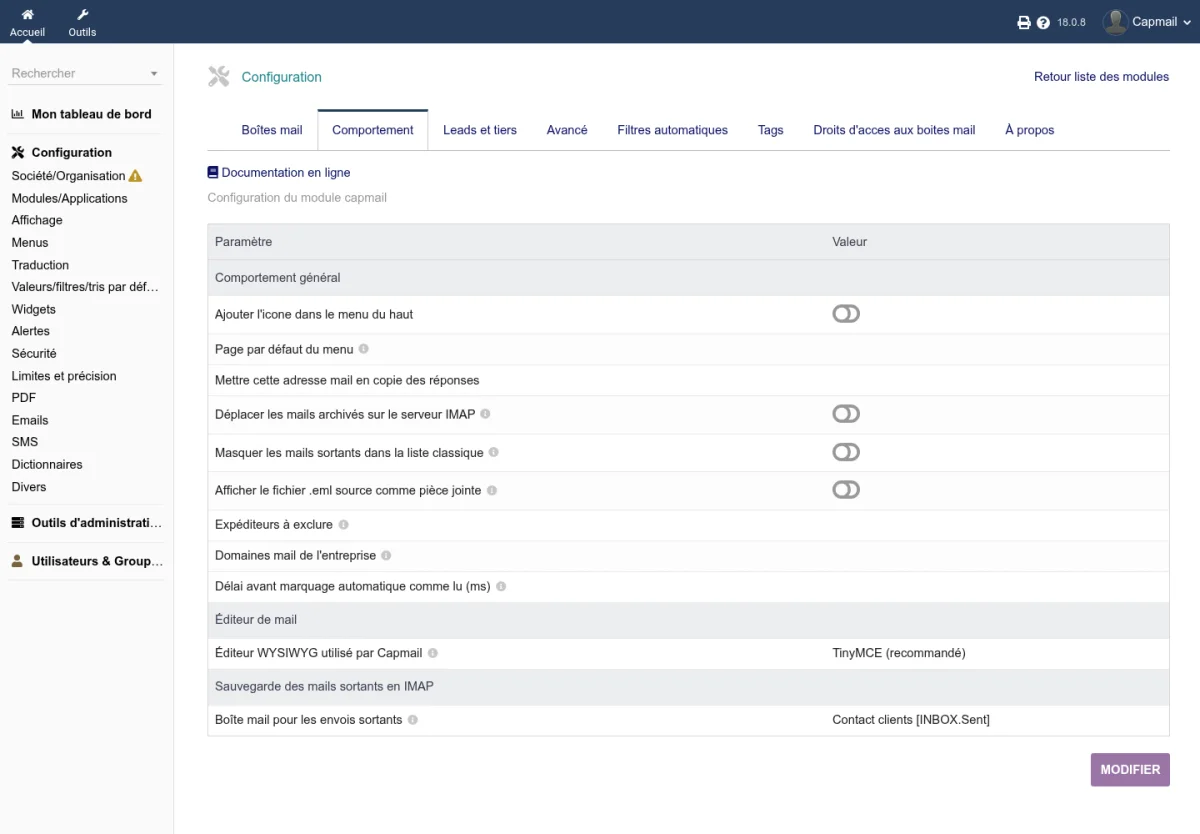
The Detect folders button, on a mailbox record, queries the server, compares the configuration against reality and suggests the right values from the standard attributes the server publishes. Apply detected folders stores them. This is now the recommended method: conventions differ widely between providers.
The Advanced tab adds the repair of folders with a duplicated
prefix, such as INBOX.INBOX.Sent. Invisible in most webmails,
they pile up mail nobody reads. The tool moves their messages to the
right path, removes the emptied folder and fixes internal
references; a dry run shows what would happen, and the folder is
only removed once its messages have actually moved.
Sending: STARTTLS and certificates
- STARTTLS is really offered for per-mailbox SMTP. The option was missing from the form, which made any server offering port 587 alone unusable.
- The SMTP connection test authenticates. It stopped before authentication: a wrong password was reported as a success, and the failure only surfaced on the first send.
- TLS certificate validation becomes a per-mailbox setting, enabled by default. Turning it off allows a self-signed certificate, a common case in self-hosting.
Compatibility by provider
Actual limits were verified service by service:
- OVH, Free and Dovecot servers work;
- Gmail works with a mandatory application password;
- Outlook.com and Microsoft 365 are not supported: Microsoft removed password authentication and only accepts OAuth2, which the module does not handle;
- Proton Mail is not supported: no public IMAP server is exposed.
Updating
Two database changes are applied when the module is re-enabled: disable then enable Capmail after uploading the files. Nothing is required on existing mailboxes. If folders were missing or the copy to the sent folder did not happen, run Detect folders on each mailbox.
For developers
The module exposes hooks and triggers for third-party modules, starts an integration with dolipocket, and adds an automated campaign against real IMAP and SMTP servers, on top of new entity isolation and authorisation tests.